
Workshop name tag templates for training sessions
A useful workshop name tag template starts with a large preferred name, adds the organization or department when it helps the group, and reserves one clear field for the workshop itself—such as participant role, table, team, track, or session. That is usually enough to support introductions and training logistics without turning a short-session name tag into a complex credential.
What to include for each workshop scenario
| Scenario | Recommended fields | Useful emphasis |
|---|---|---|
| Internal employee training | Preferred name, department, participant/facilitator, team | Name and group; omit data everyone already knows |
| Cross-company professional workshop | Preferred name, company, title or specialty, role | Name and company for networking |
| Certification or course cohort | Preferred name, cohort, participant/instructor, day or module if needed | Cohort and role across repeated sessions |
| Community workshop | Preferred name, optional organization, table/team | Friendly first-name visibility |
| Multi-track seminar | Preferred name, company/department, track, role | Track in text plus a visual cue |
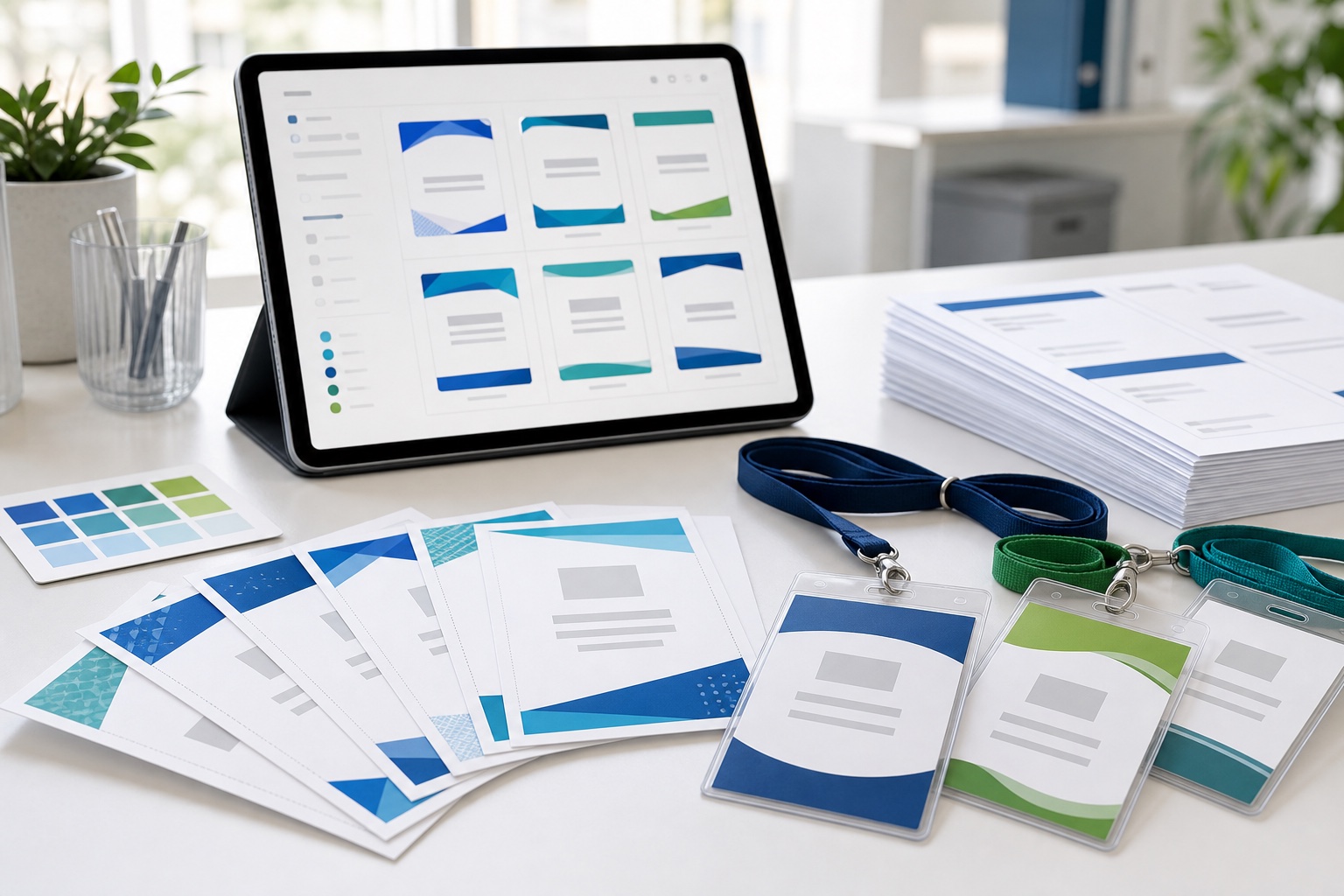
Useful fields for training name badges
- Preferred name: the most important field for conversation; allow room for long names.
- Company or department: helpful across organizations or large employers, optional in a small familiar team.
- Role: distinguish participant, facilitator, instructor, mentor, or organizer.
- Group, table, or team: support exercises and room assignments.
- Track or session: useful when people follow different learning paths.
- Pronouns: include only when voluntarily collected and appropriate to the event.
Use the participant's preferred name as its own spreadsheet field rather than trying to derive it from a legal or registration name at print time.
Keep private training information off the badge
Do not print contact details, assessment results, HR data, performance notes, dietary or medical information, accommodation requests, or private facilitator comments. A visible name tag is not the place to carry everything collected during registration.
If an organizer needs attendance tracking, use a separate process. A printed badge does not record that a participant attended, completed a module, or earned a credential.
Six workshop name tag layout ideas
1. First-name interaction tag
Make the preferred name dominant and omit the family name when the setting and participant expectations allow it. Add a small event or group line.
2. Company and title badge
Use a large name, medium company, and smaller title or specialty for cross-company professional development.
3. Facilitator badge
Add FACILITATOR or INSTRUCTOR in prominent text. Use a coordinated but distinct header so participants can quickly find help.
4. Group-coded badge
Show “TABLE 3,” “TEAM ORBIT,” or “TRACK B” as text and reinforce it with a color or shape. Do not use color alone.
5. Multi-day course pass
Use a holder insert with the cohort, role, and validity period when participants return over several days. Keep daily schedules off the badge unless they are exceptionally simple and stable.
6. Adhesive short-session tag
For a half-day or informal session, use a compact name plus group field on clothing-safe adhesive stock. Confirm the label is compatible with the printer.
Adhesive tags, lanyard holders, or table tents?
| Format | Best for | Limit |
|---|---|---|
| Adhesive name tag | Half-day sessions, small groups, low-cost production | Can catch on clothing or become less adhesive; check material suitability |
| Lanyard holder | Full-day or multi-day programs, repeated movement, reusable hardware | More assembly and collection; holder dimensions control the insert |
| Folded table tent | Seated sessions where names must be visible across a table | Not worn during breaks and movement; requires a separate folding/imposition workflow |
BadgeFlow's verified workflow centers on printable badges and inserts. A folded table tent may be useful, but plan and test it as a separate print format rather than assuming a badge template will fold correctly.
Prepare the participant spreadsheet
Use one row per badge and separate columns for every field the template may display.
| preferred_name | company_or_department | role | group | track |
|---|---|---|---|---|
| Priya | Customer Success | PARTICIPANT | TABLE 2 | FOUNDATIONS |
| Daniel | Westfield Health | FACILITATOR | FOUNDATIONS | |
| Mei | PARTICIPANT | TABLE 4 | ADVANCED |
The examples are fictional. Decide how blank companies should collapse, test the longest department, normalize role and track labels, and keep private registration columns out of the print export. See the full guide to name badges from Excel.
Handle long fields and last-minute changes
- Set a maximum line count for names and departments, then reduce or wrap secondary text before shrinking the name.
- Hide the company or department line cleanly when the source cell is blank.
- Use standardized group and track values so variants remain consistent.
- Freeze the main batch and process late participants or corrections separately.
- Keep spare stock and a clearly named reprint PDF or data file at the venue.
The guide to instant reprints for changes explains how to manage exceptions without rebuilding the entire batch.
Use group colors accessibly
Color can help people find a table or track, but pair it with readable text, a symbol, or a distinct shape. Test the badges in grayscale and under the room's lighting. Keep group accents away from the main name contrast, and ensure the facilitator variant remains clear even when printed on a monochrome backup printer.
Choose low-cost materials for the session length
| Duration | Practical starting point | Production note |
|---|---|---|
| A few hours | Adhesive sheet or thermal label | Prioritize quick application and clothing-safe stock |
| Full day | Adhesive badge or light card insert | Consider movement, meals, and reattachment |
| Several days | Sturdier insert in a reusable holder | Test wear, collection, and reissue |
Use the guide to printing badges on a budget and check media weight and feed limitations in the paper and cardstock guide. The cheapest stock is not economical if it jams, detaches, or needs to be reprinted.
Reuse a master template for recurring cohorts
Save the approved size, typography, logo, safe areas, role treatments, and print settings as the master. For the next cohort, replace the participant data and update only genuinely variable event fields such as date, course name, or track. Then repeat the long-name, blank-field, and physical print tests.
This gives recurring programs consistency without carrying old participant details forward. It also supports a shared visual system with branded badges for company offsites.
Create workshop name tags with BadgeFlow
- Prepare the Excel, CSV, Google Sheets, or pasted participant data with one row per badge.
- Choose a template and finished size, then customize fonts, colors, logo, and layout.
- Map the preferred name, organization, role, group, and track fields that the design uses.
- Preview participant and facilitator records, including long and blank values.
- Export a print-ready PDF for the selected A4, Letter, or custom paper workflow.
- Print a small physical test before the full cohort.
Browse printable name tag templates for an appropriate starting layout.
Create training badges from your participant list
Reuse one clear workshop design across participants, facilitators, groups, and future cohorts.
Frequently asked questions
What should a workshop name tag include?
Use a large preferred name, an organization or department when helpful, and one workshop-specific field such as role, table, team, track, or session.
Are first names enough for training sessions?
They can be in a small, informal, or internal group. Add company, department, title, or role when participants do not know one another or the field helps the activity.
How can badges identify groups or workshop tracks?
Put the group or track in a dedicated spreadsheet column and display it as readable text, reinforced by color, shape, or a symbol rather than color alone.
Are adhesive tags or lanyards better for workshops?
Adhesive tags suit short, low-cost sessions. Lanyard holders suit full-day or multi-day programs and can be reused. Match the material to clothing, duration, printer, and handling.
Can I reuse the same badge template for future cohorts?
Yes. Preserve the approved layout and print settings, replace the participant data and variable event fields, and repeat the preview and print tests.
How do I make participant badges from an Excel list?
Use one participant per row and separate columns for preferred name, organization, role, and group. Import and map the data, preview every variant, and export the PDF.
How should I handle last-minute registrations?
Freeze the main batch and process late additions or corrections in a separate reprint queue. Keep spare media and an approved template available onsite.