Variety of templates
Choose out of more then 30 built-in professional-looking templates the one which suites your event the best. Easily add any tweaks to the default style if needed. Don't spend time on designing a badge from scratch.

Start fast with 30+ professionally designed badge templates
Design unique badge designs to fit your event branding
Import attendee data from Excel, Google Sheets or CSV

Perfect to streamline event check-ins and optimize lead retrieval
Pick any standard or custom badge size you need — we support them all
Print on any paper with whatever printer you have on hand
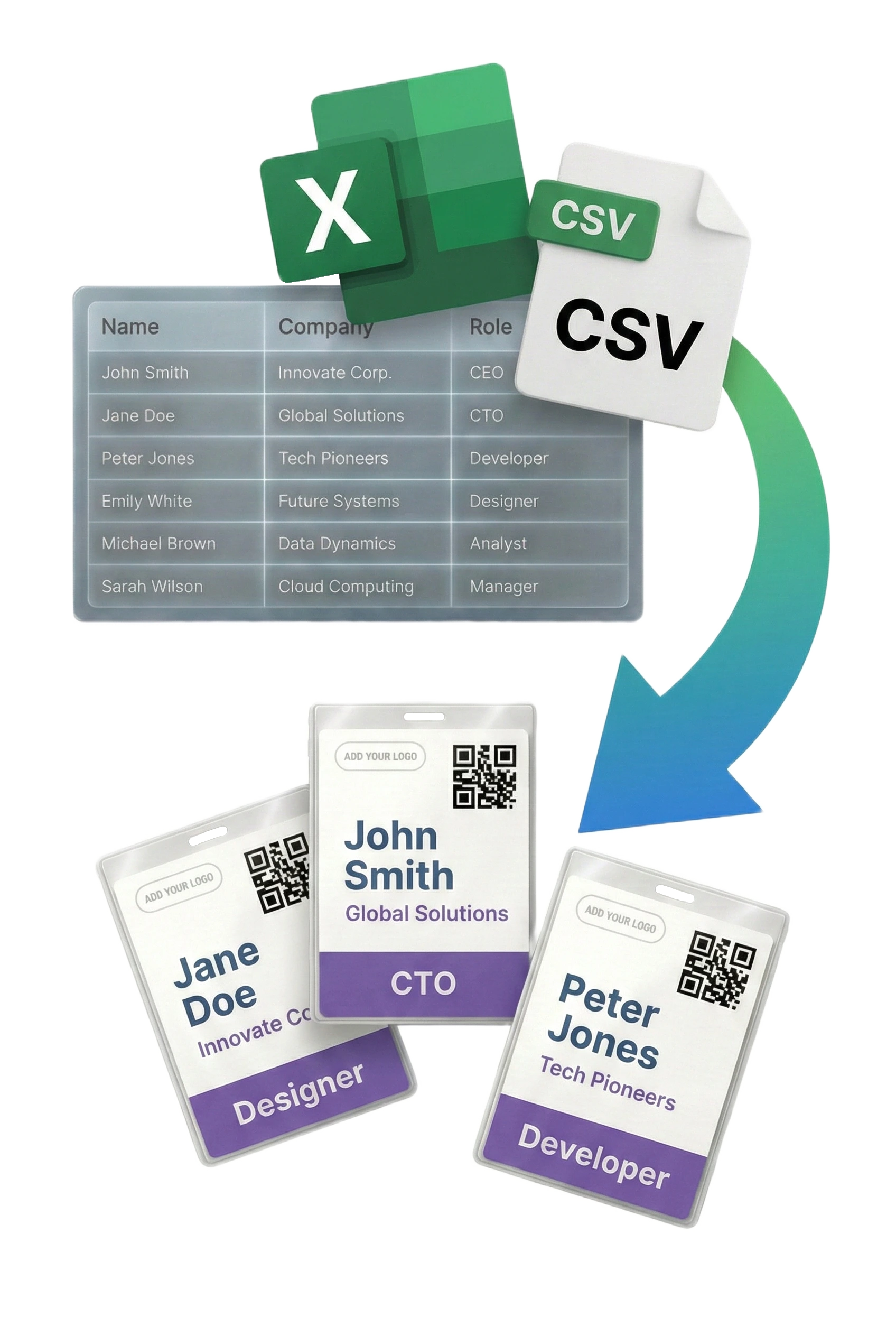
Create professional-looking badges just in 5 minutes
Import attendees from Excel, Google Sheets, or CSV. Map columns to badge fields.
Pick from 30+ templates or build your own. Customize colors, fonts, and layout with our visual editor.
Download a print-ready PDF for any paper size. Print, cut, insert into holders — done.
Generate and print personalized badges straight from Excel or CSV in no time
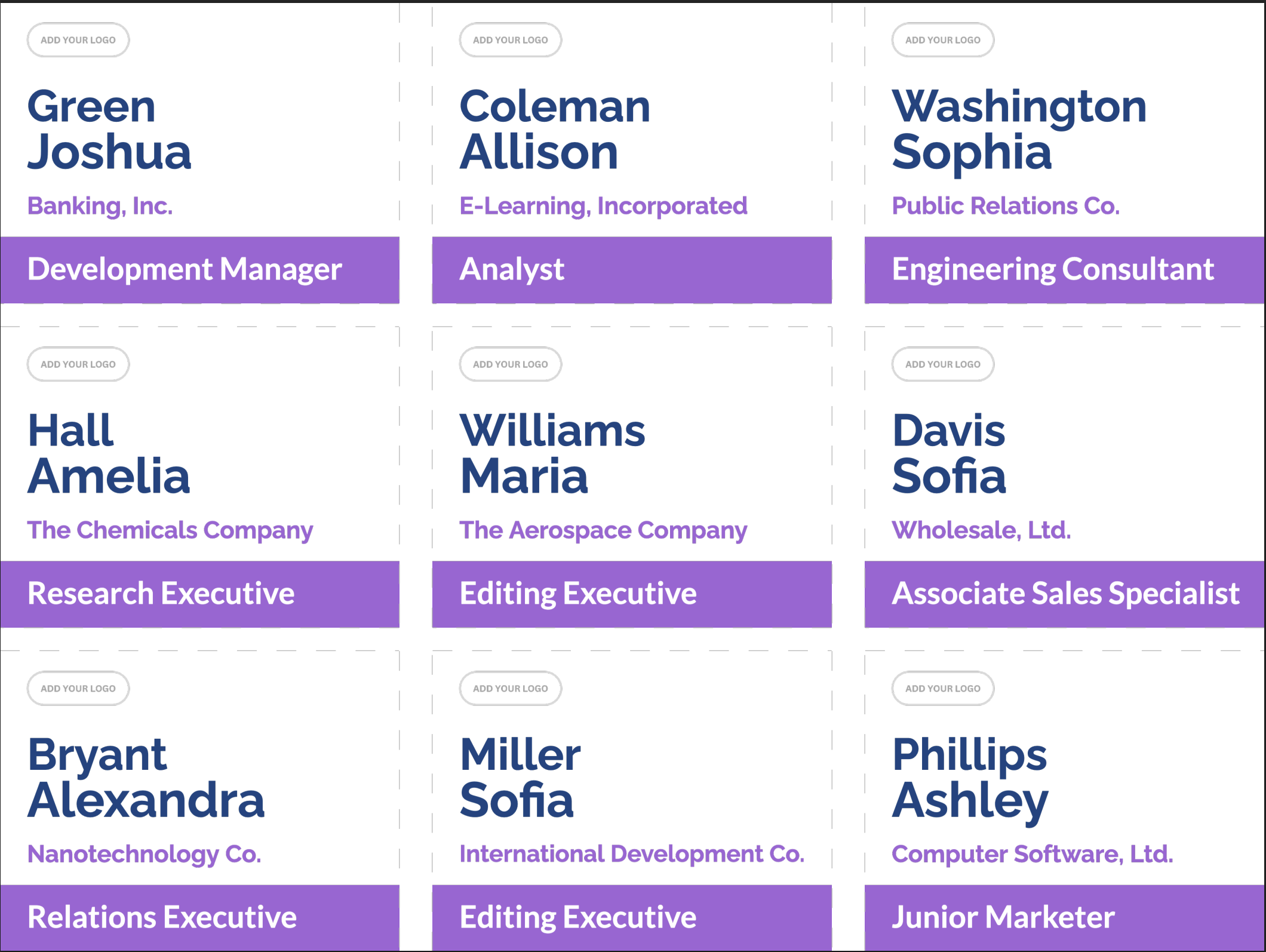
Create professional name badges for any occasion
Design professional conference name badges for attendees, keynote speakers, exhibitors, vendors, and event staff. Perfect for large-scale corporate conferences, industry trade shows, and business expos.
Generate custom event badges for employee training programs, corporate workshops, professional development seminars, and team building activities with your company branding.
Create name badges for professional networking meetups, business mixers, industry gatherings, and career fairs. Include job titles and company names for easy identification.
Make identification badges for parent-teacher conferences, school assemblies, educational workshops, student field trips, campus visitors, and university events.
Design personalized name badges for wedding receptions, family reunions, birthday parties, anniversary celebrations, and other special occasions to help guests connect.
Print badges for volunteer programs, charity fundraisers, community gatherings, non-profit conferences, awareness campaigns, and local organization events.
Choose out of more then 30 built-in professional-looking templates the one which suites your event the best. Easily add any tweaks to the default style if needed. Don't spend time on designing a badge from scratch.
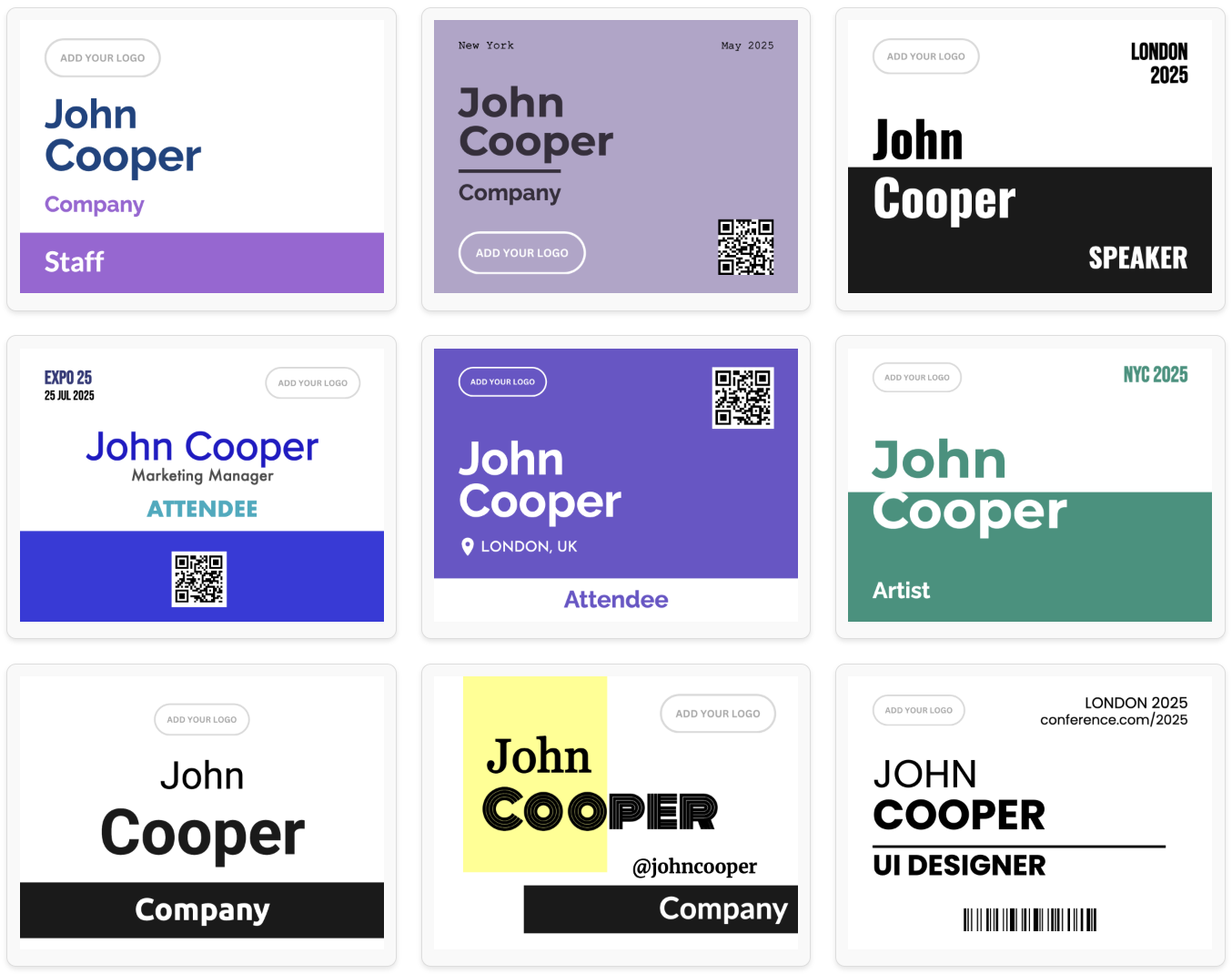
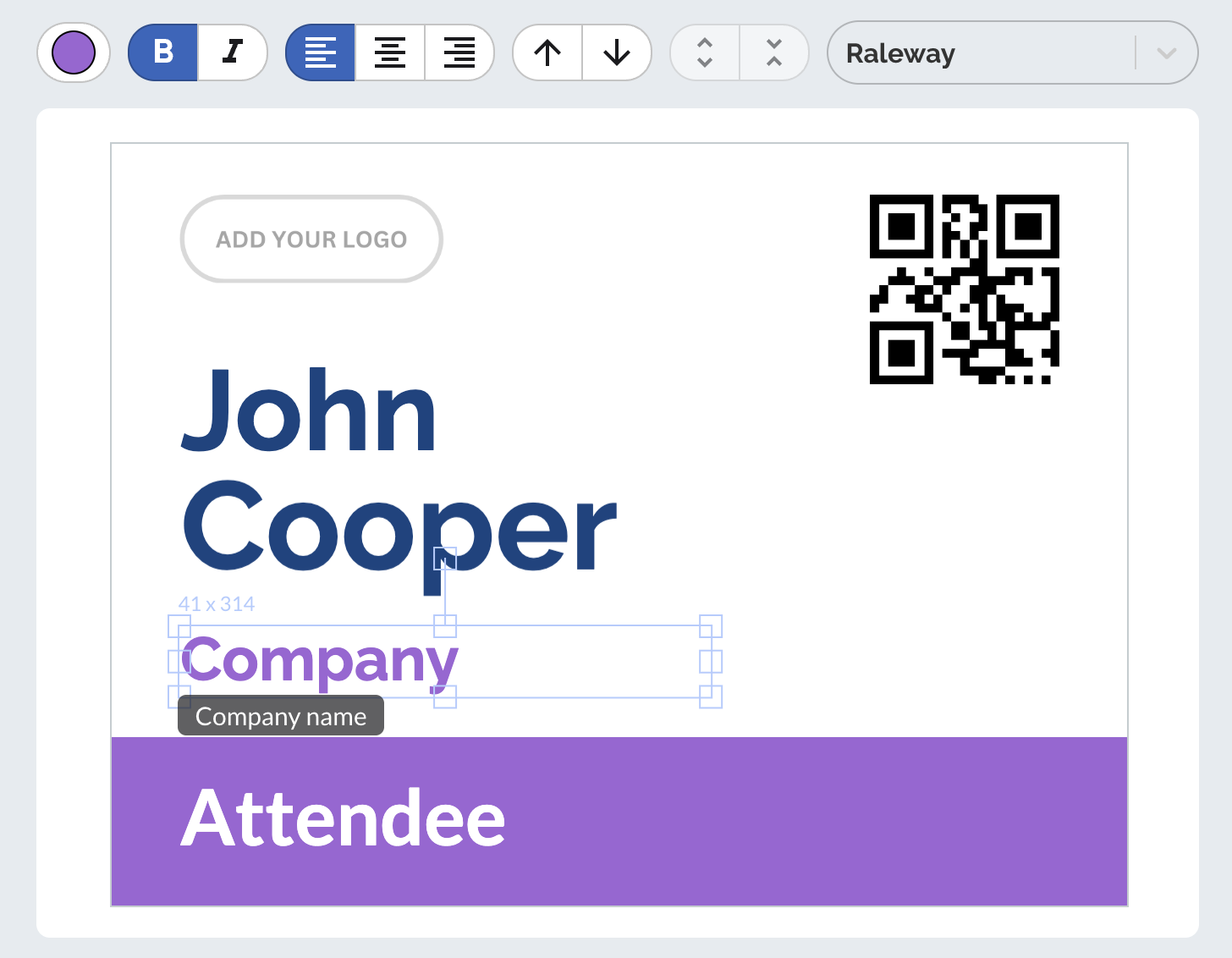
Create stunning, one-of-a-kind badge designs for your event using our intuitive editor. Explore a variety of built-in templates for inspiration and craft a design that's uniquely yours—unlike any other!
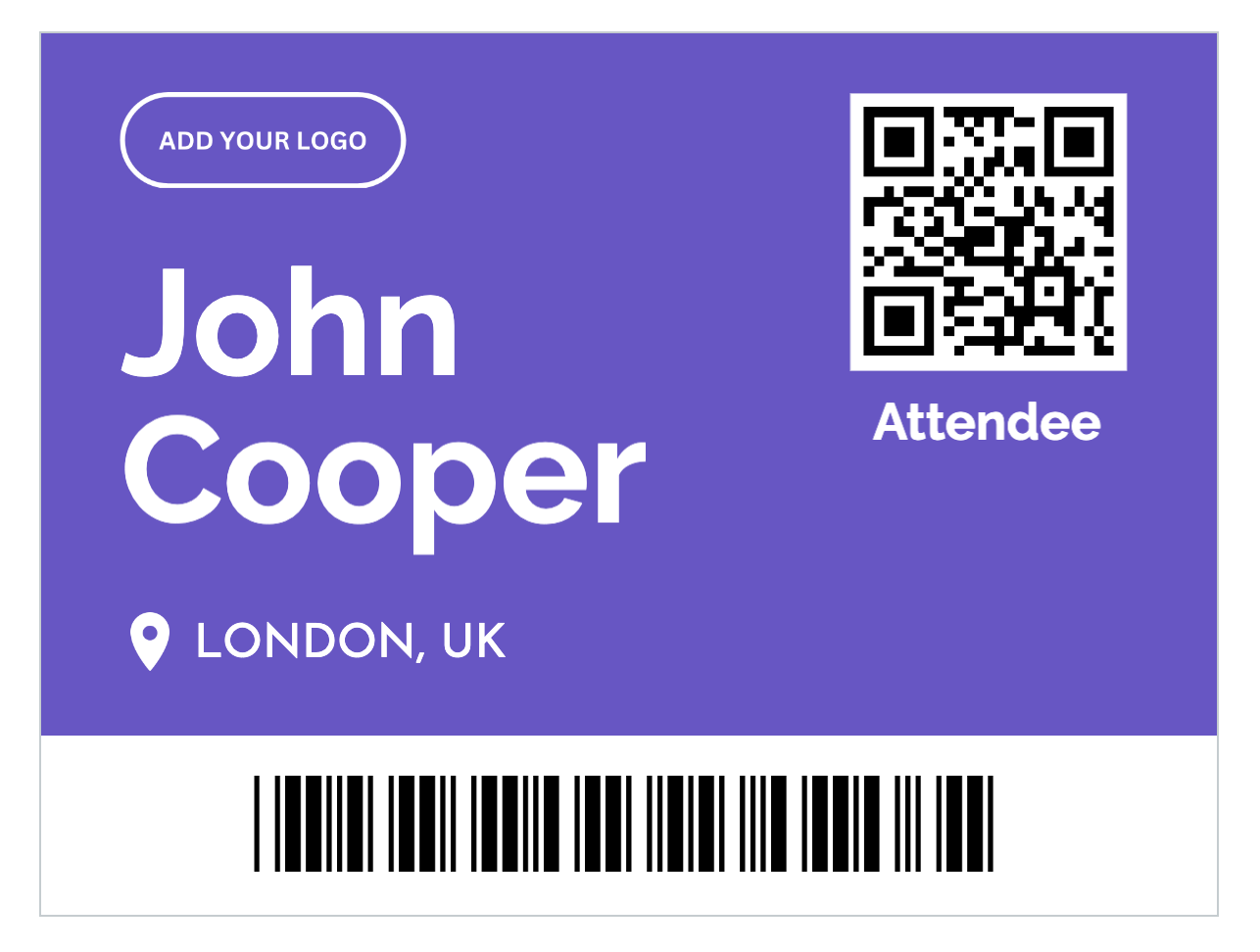
Enhance your event badges with QR codes or barcodes. Customize them with static or attendee-specific data to streamline event check-ins and optimize lead retrieval seamlessly.
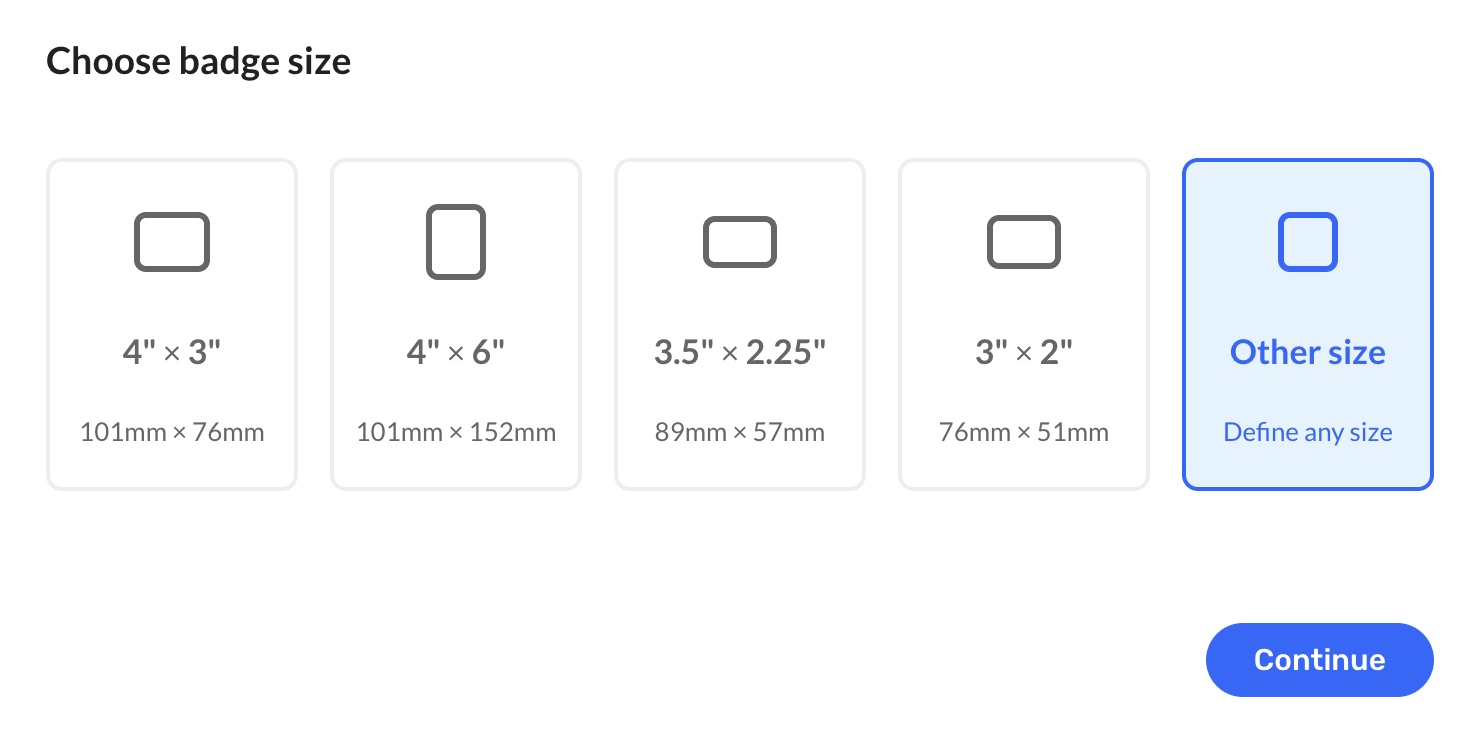
Enjoy total freedom with badge sizing. Whether you are using standard dimensions like 4" × 3", 4" × 6", 3.5" × 2.25" or 3" × 2" or something entirely custom, our app makes it easy to design and print badges that fit your needs.
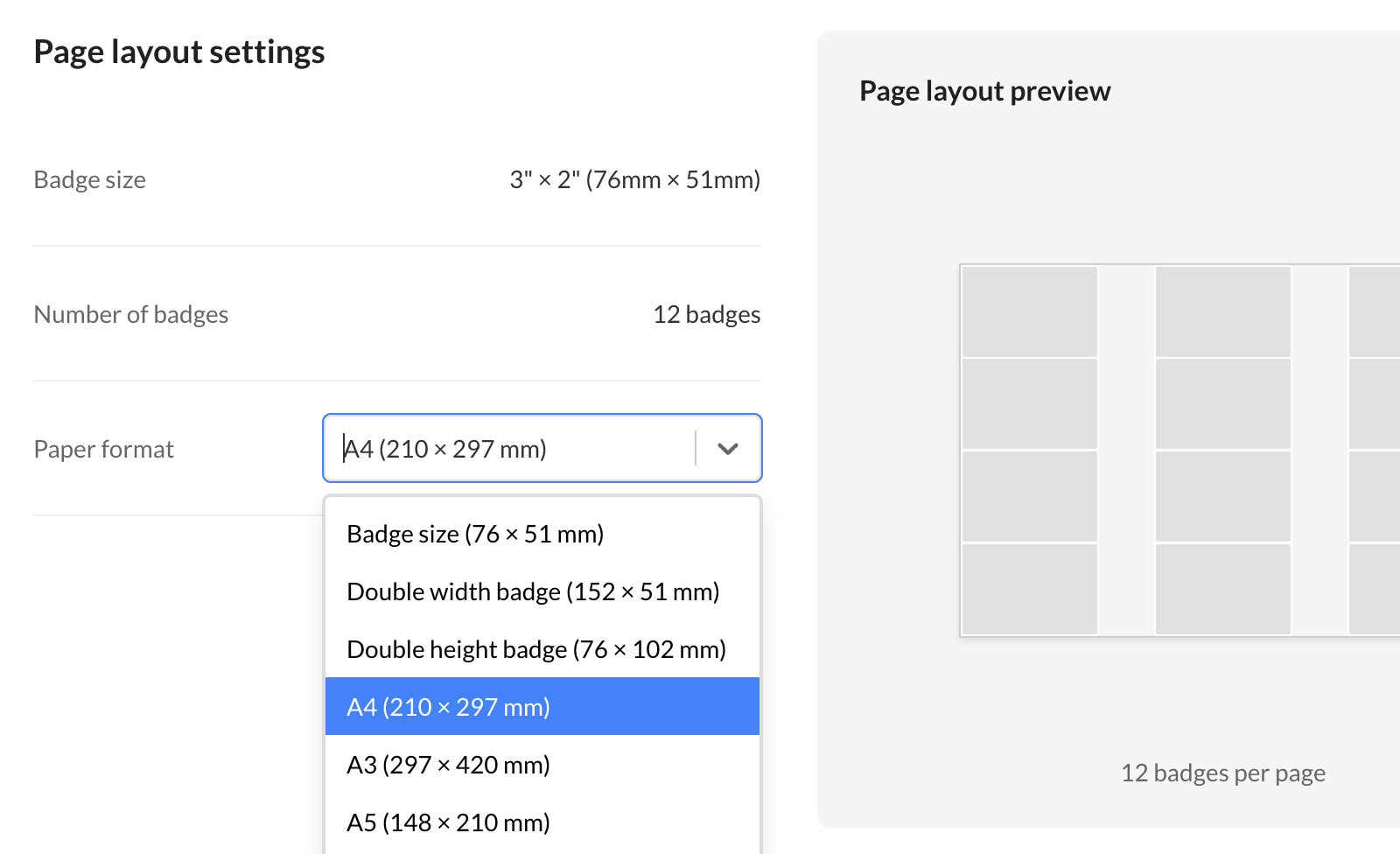
Print badges on any paper size with ease. Whether you're using standard formats like A4, A3, Letter, or custom dimensions, our app supports them all. Just generate and print using any paper and printer you have on hand.
Print your event badges anytime, anywhere! Our solution works with any printer and paper size, allowing you to generate and print as many badges as you need in seconds—whether at the office, at home, or on the go.
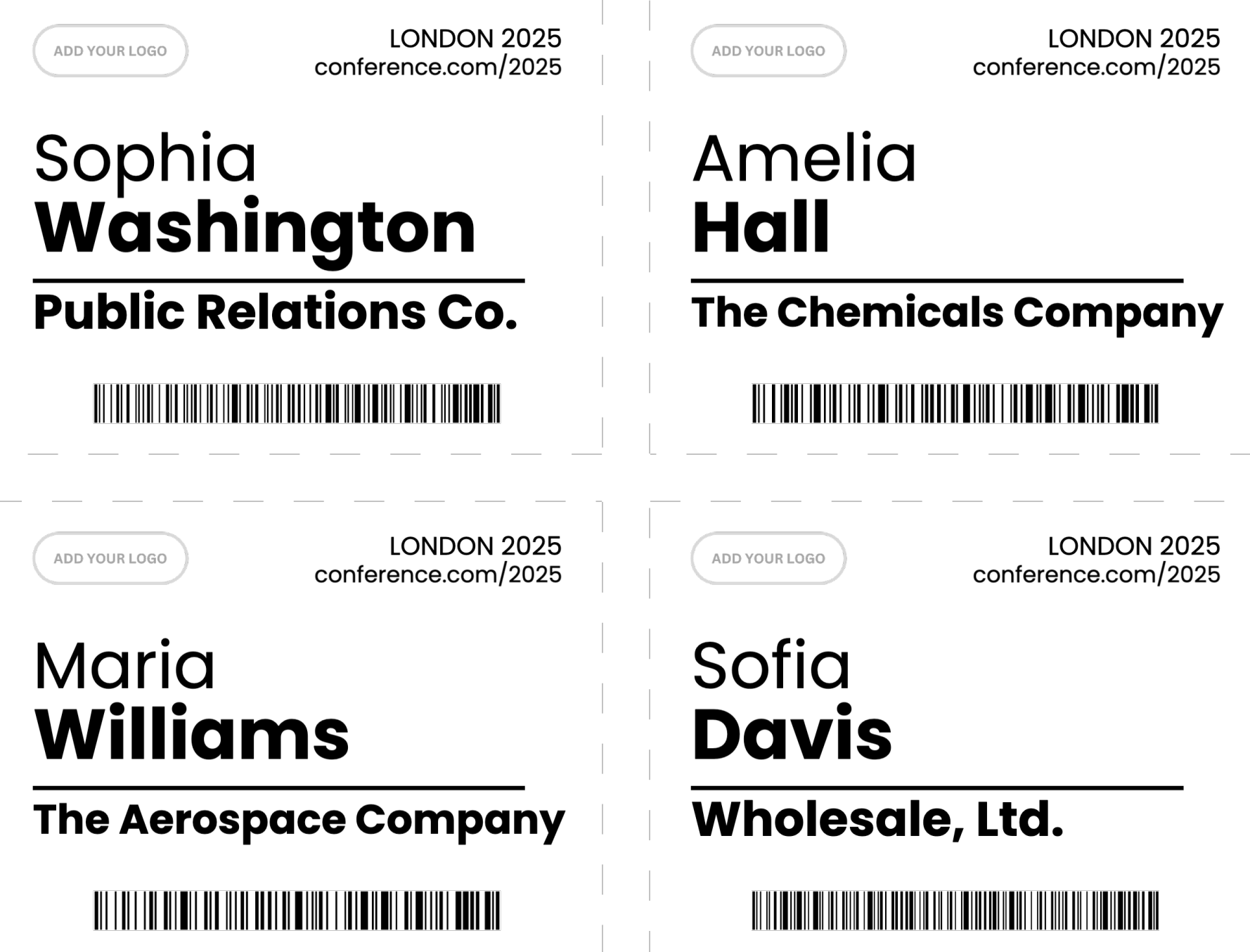
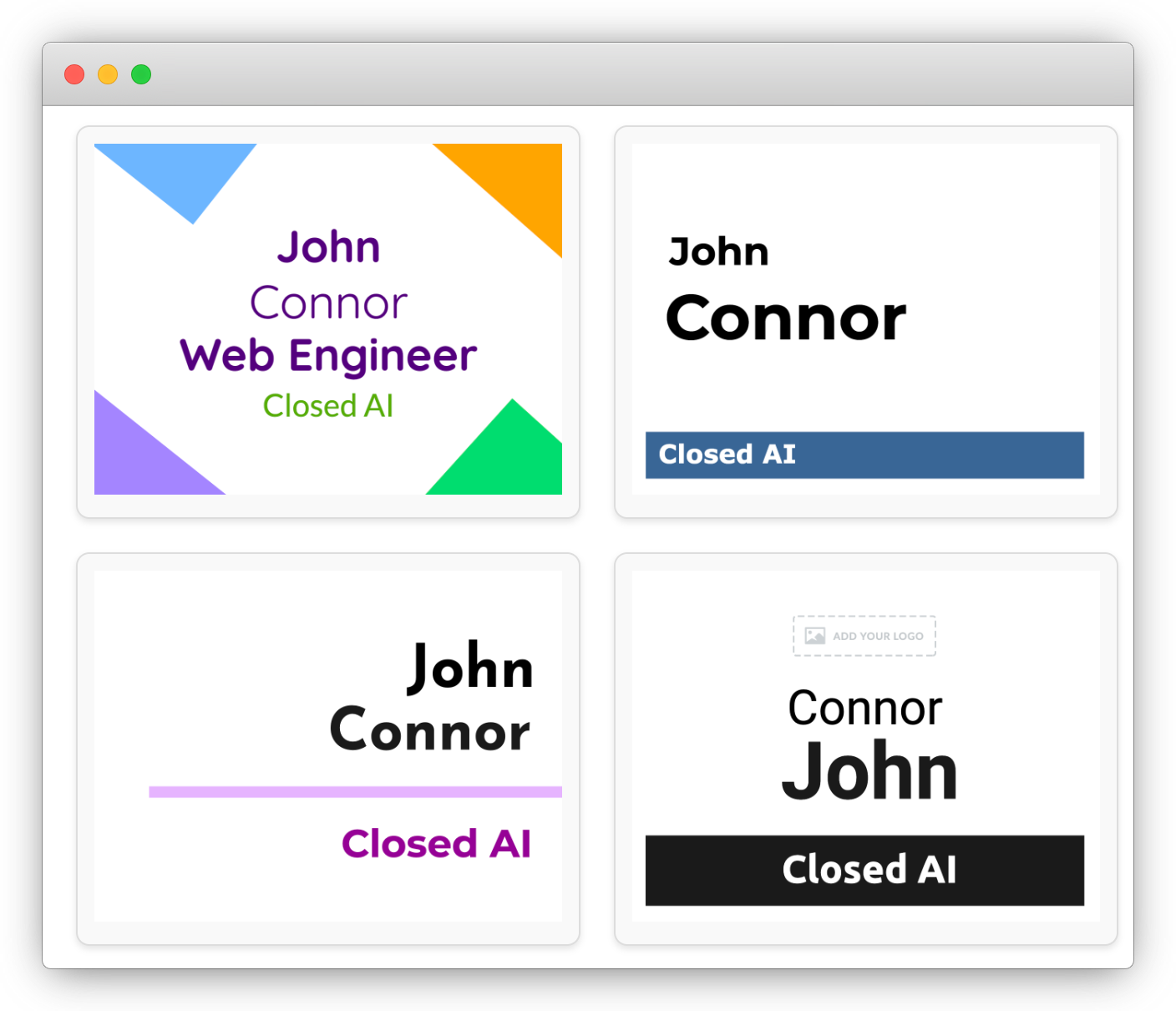
The fastest and easiest way to create professional name badges for any event
Generate hundreds of professional name badges in minutes, not hours. Import your Excel or CSV attendee list, choose a template, and download print-ready PDFs instantly. Perfect for tight deadlines and last-minute event changes.
Our intuitive drag-and-drop editor makes badge design simple for everyone. No graphic design experience, special software, or technical knowledge needed. If you can use Excel, you can create stunning event badges with BadgeFlow.
Save thousands compared to professional printing services or expensive badge software. Print badges yourself using any office printer and standard paper. No per-badge fees, no subscription lock-in, no hidden costs.
Design badges that perfectly match your brand identity. Choose from 30+ templates or create custom designs from scratch. Add logos, QR codes, custom fields, and colors. Every element is fully customizable to your exact needs.
Whether you're organizing a small workshop with 20 attendees or a major conference with 5,000+ participants, BadgeFlow scales effortlessly. No limits on badge quantity, event types, or number of events.
Generate badges on-site for walk-in registrations or last-minute attendees. Works with any printer at your office, venue, or home. No internet required after downloading PDFs. Total flexibility for event day emergencies.
Need to fix a typo or add new attendees? Make changes instantly and regenerate your badges in seconds. No waiting for print shops or costly reprints. Full control over every detail right up to event day.
No software installation or downloads required. Access BadgeFlow from any device with a browser - Windows, Mac, Linux, iPad, or Chromebook. Work from your office, home, or on-site at your event venue.
Ready-to-print PDF name badges
Free during beta —
your feedback is all we ask!
Everything you need to know about creating name badges with BadgeFlow
Simply import your attendee data from Excel, Google Sheets, or CSV files into BadgeFlow. Our platform automatically maps your spreadsheet columns to badge fields. You can customize which data appears on each badge, including names, titles, companies, and custom fields. The entire process takes just a few minutes from upload to print-ready PDF.
BadgeFlow supports all standard badge sizes including 4" × 3", 4" × 6", 3.5" × 2.25", 3" × 2", and any custom dimensions you need. You can print on any paper size (A4, Letter, Legal, A3, or custom) with any printer. Our system automatically arranges badges optimally on your chosen paper format.
Yes! BadgeFlow allows you to add both QR codes and barcodes to your event badges. You can use static data or generate unique codes for each attendee based on their information. This is perfect for event check-ins, lead retrieval systems, and attendee tracking at conferences and trade shows.
No design experience required! Choose from over 30 professionally designed badge templates and customize them to match your event branding. Our intuitive drag-and-drop editor makes it easy to adjust colors, fonts, logos, and layouts. You can create stunning, professional-looking badges in minutes.
BadgeFlow is currently free during our beta period. You can generate unlimited badges, use all features including templates, QR codes, custom designs, and download print-ready PDFs at no cost. There are no limits on the number of badges or events you can create.
Absolutely! BadgeFlow is perfect for on-site badge printing at conferences, trade shows, and corporate events. Generate print-ready PDFs that work with any printer and paper size. You can quickly print badges for walk-in attendees or last-minute registrations in seconds.
BadgeFlow works for all event types: corporate conferences, trade shows, networking events, workshops, training sessions, school events, weddings, non-profit fundraisers, and community gatherings. Our customizable templates and flexible design options suit any occasion requiring name badges or identification tags.
BadgeFlow is a web-based application that runs directly in your browser. There's no software to download or install. Simply visit our platform, choose a template, import your data, and start creating badges immediately.
Yes! You can easily upload your company logo, event branding, or sponsor logos to any badge template. Customize colors, fonts, backgrounds, and layouts to match your brand identity. Our editor gives you complete control over every design element while maintaining professional quality.
Export your attendee list from platforms like Eventbrite, Cvent, Meetup, or any event management system as a CSV or Excel file. Then import it directly into BadgeFlow. Our system intelligently maps fields like name, email, company, and job title.
BadgeFlow works with any standard office printer (inkjet or laser) and any paper size. Use regular cardstock paper, perforated badge sheets, or pre-cut badge paper from office supply stores. The PDF output includes crop marks and optimal spacing for easy cutting and assembly into badge holders.
Yes! Create multiple badge designs for different attendee types such as speakers, VIP guests, exhibitors, staff, and general attendees. Use different colors, layouts, or templates to easily distinguish between participant categories at your conference or event.
BadgeFlow badges work with all standard badge holders including horizontal and vertical orientations, lanyard badge holders, clip-on badge holders, and magnetic badge holders. You can customize badge dimensions to fit any holder size.
There's no limit! BadgeFlow can generate PDFs with hundreds or thousands of badges. The system automatically arranges badges optimally on your chosen paper size.
BadgeFlow accepts CSV and Excel exports from all major event registration platforms including Eventbrite, Cvent, RegFox, Attendify, and Whova. Simply export your attendee list and import it into BadgeFlow. We support standard field mapping for seamless data transfer.
Printing costs depend on your printer and paper choice. Typically, printing 100 full-color badges on cardstock costs $5-15 if done in-house, versus $100-500 through professional printing services. BadgeFlow helps you save significantly by enabling affordable in-house badge printing.
You need internet to access BadgeFlow and load your project initially. However, once your badges are generated and downloaded as PDFs, you can print them offline. This makes it ideal for venues with limited internet connectivity on event day.
BadgeFlow accepts CSV (comma-separated values) and Excel files (.xlsx, .xls). These are standard exports from Google Sheets, Microsoft Excel, Eventbrite, Cvent, and virtually all event management platforms.
Design front and back badge layouts separately in BadgeFlow. Print the front sides first, then carefully reload the paper and print the back sides. Use registration marks or test prints to ensure proper alignment. This works best with heavier cardstock and professional-grade printers.
Absolutely! BadgeFlow is specifically designed for conference name badges, trade show exhibitor badges, and professional event credentials. Create badges with attendee names, company logos, sponsor branding, and networking information. Perfect for multi-day conferences, industry expos, business conventions, and B2B events.
Yes! BadgeFlow is perfect for creating volunteer name badges, staff credentials, team member badges, and organizer passes. Use different colors and designs to distinguish volunteers from attendees, speakers, and VIP guests. Add role identifications, shift schedules, and access levels. Ideal for festivals, charity events, and community programs.