
Trade show badge templates for attendees and exhibitors
A useful trade show badge template starts with one shared visual system, then creates unmistakable variants for attendees, exhibitors, sponsors, staff, speakers, VIPs, and media. Keep attendee names readable, give exhibitor companies and booth numbers the right prominence, and connect any QR code to a separate compatible check-in or lead-retrieval system.
Plan one badge system, not seven unrelated designs
Use the same event mark, typography, finished size, safe areas, and production rules across every badge. Change a deliberate combination of printed role text, color, shape, or header treatment for each operational category. That consistency makes the batch easier to test and the variants easier to recognize.
The broader guide to conference badge templates by attendee type covers general role badges. The table below focuses on trade-show floor operations.
| Badge type | Useful fields | Visual priority |
|---|---|---|
| Attendee | Name, company, title, optional code | Name first; company supports networking |
| Exhibitor | Name, company, booth number, EXHIBITOR, code | Company and booth may rival or exceed title |
| Sponsor | Name, company, sponsor tier only if required | Separate sponsor treatment from personal company field |
| Staff | Name, team or responsibility, STAFF | Large role label for help-seeking attendees |
| Speaker | Name, company, SPEAKER, optional track | Name and role; schedule belongs elsewhere |
| VIP | Name, company, VIP | Explicit printed text plus distinct treatment |
| Media | Name, outlet, MEDIA | Outlet and role; permissions remain separate |
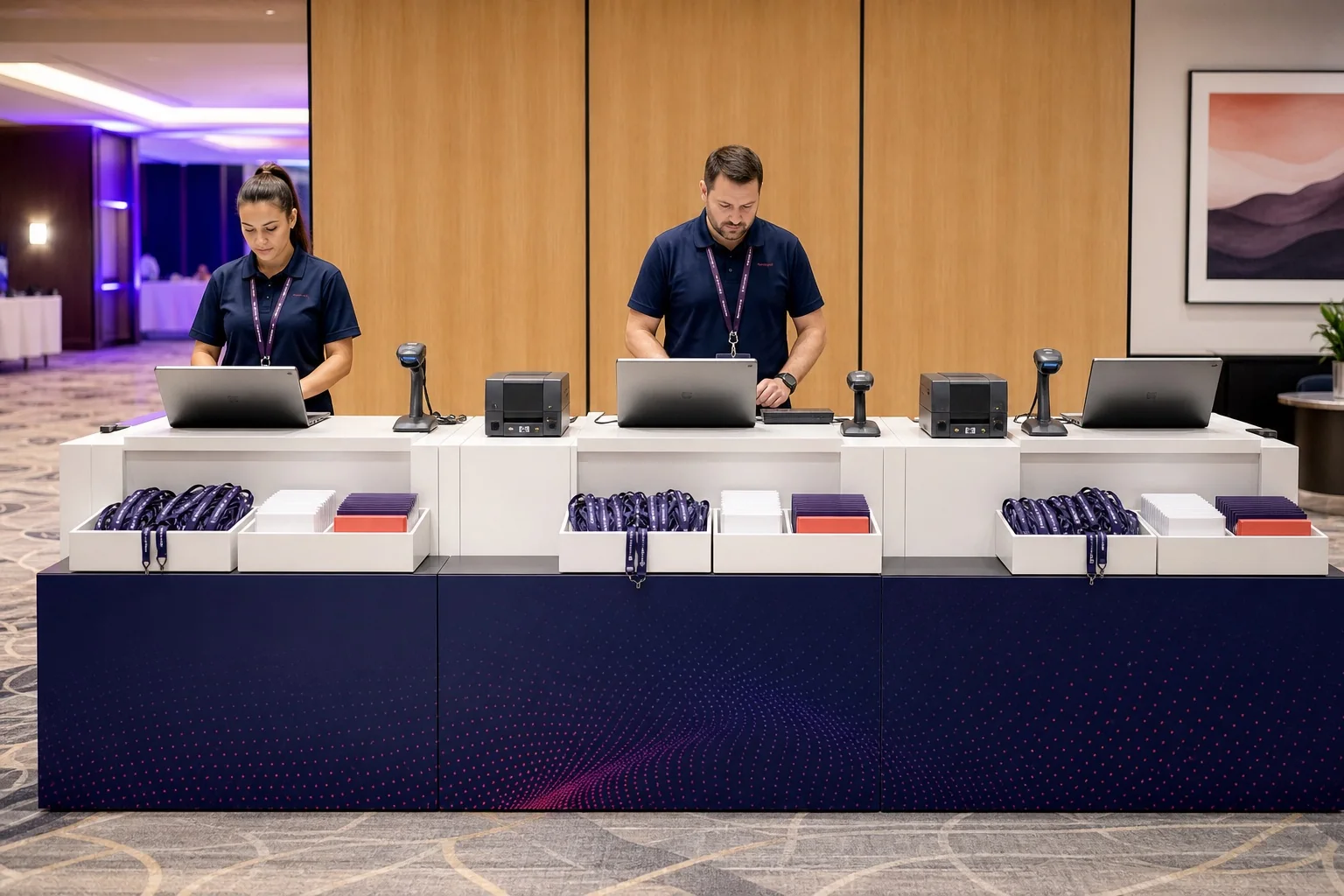
Design exhibitor badges around the show floor
An exhibitor badge often needs four prominent facts: the staff member's name, the exhibiting company, the booth number, and the EXHIBITOR label. A job title is useful for networking, but it may be less important than helping an attendee connect the person to a stand.
Use a dedicated booth field rather than typing “Booth” into each spreadsheet cell. That lets the template display a consistent label and leaves blanks clean for exhibitors without a standard booth assignment.
- Give the company enough space for long legal or brand names.
- Place the booth number in a stable, high-contrast zone.
- Keep EXHIBITOR as printed text even when exhibitors have a unique color.
- Decide whether co-exhibitors need separate company and booth fields.
Keep attendee badges useful for networking
For most attendees, prioritize preferred name, family name if needed, company, and title. Avoid turning the badge into a pocket agenda: session times, meal choices, and long registration categories make the name harder to read and become outdated when plans change.
If the event needs a track or audience category on the badge, display only the field that affects an in-person interaction or process.
Separate sponsor branding from attendee company data
A sponsor logo or event sponsorship label belongs to the event's branded layout. The company under an attendee's name describes that person. Treating these as separate content zones avoids implying that every employee of a sponsor has the same role or that an attendee's employer sponsors the event.
Define who receives sponsor treatment, which logo assets are approved, and whether tiers must be visible before the design is locked. Do not shrink the attendee name to make room for a collection of logos.
Use role cues without treating them as access control
Combine an explicit word such as STAFF, EXHIBITOR, or MEDIA with color, shape, or a patterned header. The printed text helps people with color-vision differences, works in poor light, and remains meaningful in monochrome copies.
Visual categories help staff recognize roles, but they are not secure credentials. Restricted areas, build-up periods, and after-hours access require a defined accreditation process and, where appropriate, a compatible access-control system.
QR codes and barcodes at trade shows
A badge code can carry a stable registration identifier for a separate scanning system. Depending on the compatible platform and configured workflow, that identifier might support:
- registration lookup or check-in;
- session or zone verification; or
- sponsor lead retrieval.
A printed QR code does not automatically capture a lead or grant access. The scanner, software, data permissions, and network process must all work together. Avoid encoding unnecessary personal information directly in the code. Use the practical guide to QR codes for check-in and lead retrieval, then test real printed samples with the intended devices.
Choose a badge size for the information load
| Format | When it can work | Trade-off |
|---|---|---|
| Compact 4×3 in | Name, company, role, and a modest code | Limited space for booth details and sponsor treatment |
| 4×6 in | Multiple role zones, booth number, code, and event branding | Requires a larger holder and more vertical layout discipline |
| A6 | Metric large-format expo pass with similar information needs | Must match the actual holder and paper workflow |
A 4×6 or A6 badge gives complex expo content more room, but a smaller badge is better when the data is minimal. Verify the holder, printer, and viewing distance with the conference badge size guide.
Structure one spreadsheet for every badge type
Use one record per badge and a normalized badge_type value to drive variants. Do not use fill colors or separate worksheets as the only source of role information.
| name | company | title | badge_type | booth_number | qr_value |
|---|---|---|---|---|---|
| Samira Cole | Atlas Robotics | Partnerships Lead | EXHIBITOR | B214 | REG-80421 |
| Noah Kim | Harbor Labs | Product Manager | ATTENDEE | REG-80422 | |
| Elena García | ExpoWorks | Floor Team | STAFF | REG-80423 |
The data above is fictional. Standardize role spelling, preserve IDs as text, and validate blank booth numbers before production. The attendee spreadsheet template provides a fuller preparation checklist.
Produce trade show badges at scale
- Freeze the main batch. Set a clear data deadline and preserve the approved source file.
- Test every role. Print the longest name, company, and booth value in each variant.
- Test the physical system. Check holder fit, legibility, code scans, paper feed, and 100% print scaling.
- Sort for distribution. Export or organize batches by role, company, surname, desk, or pickup area.
- Separate exceptions. Put late additions, corrections, and reprints in a controlled queue.
- Keep a version label. Make the approved file, PDF, and reprint source easy for the onsite team to identify.
For detailed setup, see bulk badge printing from Excel and the guide to onsite badge printing workflows.
Create the batch in BadgeFlow
- Import the Excel or CSV list and map names, companies, titles, badge types, booth numbers, and identifiers.
- Select a badge size and create a coordinated design for each required role.
- Preview blank fields, long content, and every role variant.
- Generate a print-ready PDF for the chosen A4, Letter, or custom badge workflow.
- Print and scan physical samples before producing the approved batch.
BadgeFlow is designed for PDF-based batch production. It is not a native live check-in system that automatically triggers a printer when an attendee arrives.
Build your trade show badge system
Turn one attendee and exhibitor spreadsheet into coordinated, printable badge variants.
Frequently asked questions
What information belongs on a trade show badge?
Usually the person's name, company, title or function, a clear badge-type label, and an optional stable code. Exhibitors may also need a booth number.
How should exhibitor badges differ from attendee badges?
Add an explicit EXHIBITOR label and consider giving the exhibiting company and booth number more prominence. Keep the overall event design consistent.
Should the booth number appear on an exhibitor badge?
Yes when it helps attendees or staff connect the exhibitor to a stand. Store it in a separate spreadsheet column so it formats consistently.
What size is suitable for a trade show badge?
Compact formats can handle a name, company, and role. A 4×6-inch or A6 badge can better accommodate booth details, a code, and role zones. Always match the holder and printer.
Can trade show badges include QR codes for lead retrieval?
Yes, if the code carries a suitable identifier and a separate compatible lead-retrieval system is configured to scan and process it. The code alone does not capture leads.
How do I generate different badge types from one spreadsheet?
Use one row per person and a standardized badge_type column, then map each record to the appropriate coordinated role variant.
Does BadgeFlow provide live trade show check-in?
No. BadgeFlow creates printable PDF batches from prepared data; it is not a live check-in-triggered printing or attendee-status platform.