
Printable visitor badge templates from Excel or CSV
A practical visitor badge template makes a guest visibly identifiable: use a large name, a clear VISITOR label, the host or department, and the visit date or validity period. Generate pre-registered badges from one spreadsheet row per visitor, then print them on adhesive stock or holder inserts that match your printer.
A printed badge is only a visual identifier. It does not verify identity, record arrival or departure, notify a host, or unlock a door.
Visitor badge, visitor log, management system, or access credential?
| Tool | Purpose | What it does not prove |
|---|---|---|
| Printed visitor badge | Shows that the wearer should be treated as a visitor and displays useful visit details. | Identity, current sign-in status, or access authorization. |
| Visitor log | Records expected or actual visits, often with arrival and departure times. | That the person wearing a particular badge is the recorded guest. |
| Visitor-management system | May support registration, host notifications, policy acknowledgements, and status tracking. | Door access unless connected to a compatible access system. |
| Secure access credential | Works with an access-control process to grant defined permissions. | Permission outside the rules configured in that system. |
BadgeFlow creates printable badges from prepared data. It is not a live visitor-management database, host-notification service, identity-verification tool, or access-control platform.
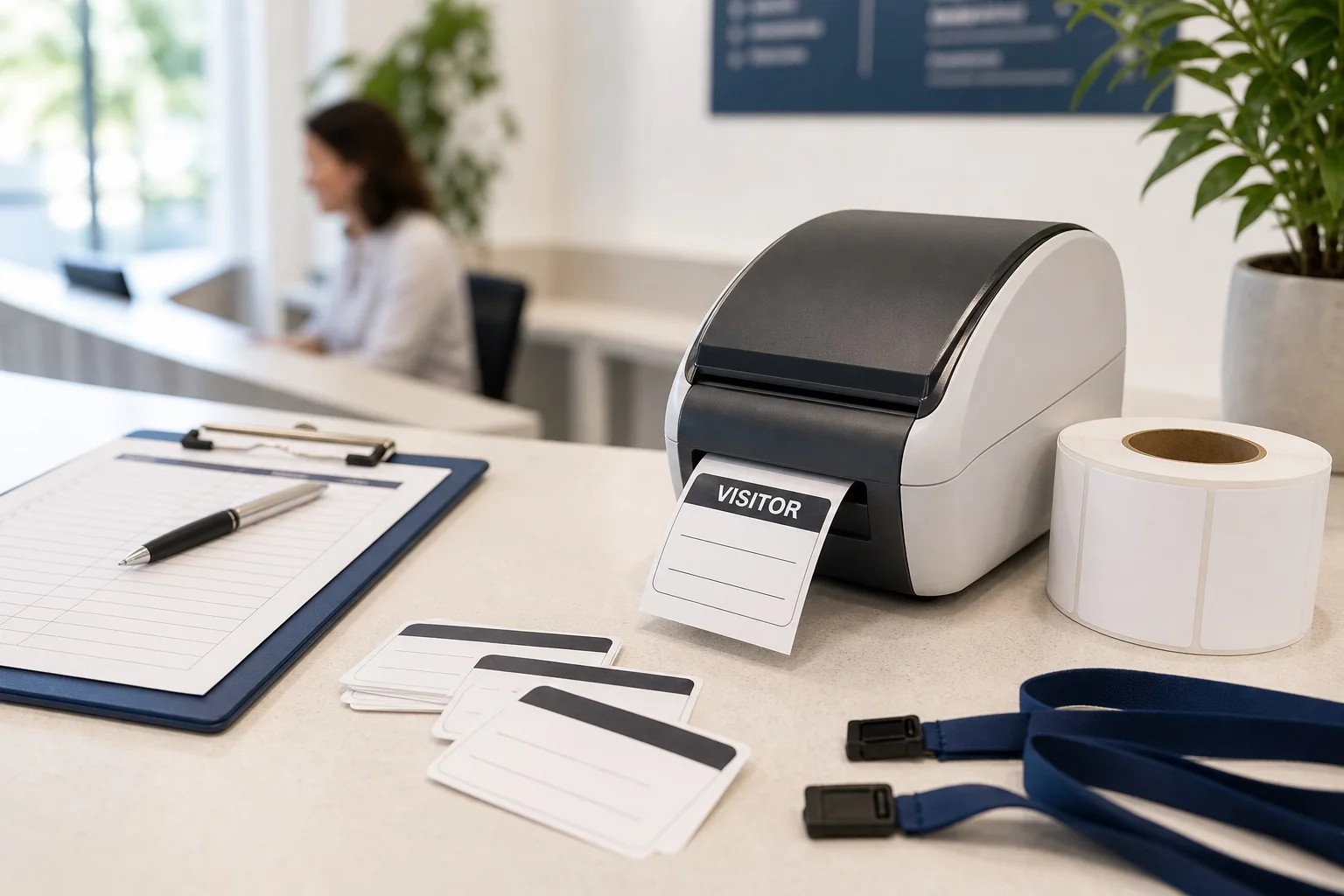
What information should a visitor badge include?
| Field | Why it helps | Example |
|---|---|---|
| Visitor name | Supports recognition and courteous interaction. | Jordan Lee |
| Organization | Provides context when relevant to the visit. | Northstar Studio |
| Host or department | Helps staff direct the guest. | Host: Facilities |
| Date or validity period | Makes a reused or expired badge easier to notice. | Valid 20 Aug 2026 |
| VISITOR label | Distinguishes the badge from employee identification. | VISITOR |
| Purpose or zone | Useful only if staff have an operational reason to see it. | Site tour |
| Internal ID or code | Lets a separate compatible system look up a record. | VIS-1048 |
Keep the front simple. A badge should answer “Who is this?” and “Why are they visibly different from staff?” at a glance. It should not become a public copy of the visitor record.
Information not to print
Avoid home addresses, personal phone numbers, email addresses, government ID details, sensitive visit reasons, private notes, or access-control secrets. Collect only what the organization needs, and display less than it stores.
If a QR code contains a direct value rather than an opaque lookup ID, anyone who scans it may be able to read that value. Treat printed codes as visible data.
Four visitor badge template patterns
1. Simple adhesive visitor badge
Best for a short office appointment or single-day meeting. Use a large name, VISITOR label, host, and date. Confirm that the adhesive is appropriate for clothing and the sheet or label roll matches the printer.
2. Lanyard visitor pass
Useful for longer visits, tours, or multi-room events. Add a validity period and return cue. Measure the holder's insert—not its outer dimensions—and use the guide to badge inserts for holders.
3. Pre-registered group visitor badge
Generate badges in advance from a class, supplier, tour, or interview-day list. A group or visit name can help sorting, but each visitor should still receive the correct personalized badge.
4. Contractor or temporary-staff badge
Use an explicit CONTRACTOR or TEMPORARY STAFF label where that distinction matters. Do not present the printed label as an access level; authorization must come from the organization's actual process.
Prepare a visitor list in Excel or CSV
Use one row per badge and one type of information per column. Keep the original operational list separate if it contains private information that should not reach the print file.
| preferred_name | organization | host | valid_date | badge_type | visitor_id |
|---|---|---|---|---|---|
| Jordan Lee | Northstar Studio | Facilities | 20 Aug 2026 | VISITOR | VIS-1048 |
| Amara Patel | Lakeview College | People Team | 20 Aug 2026 | VISITOR | VIS-1049 |
| Mateo Silva | Brightline Electrical | Operations | 20–22 Aug 2026 | CONTRACTOR | CON-0271 |
These records are fictional. Use consistent date formatting, preserve leading zeros when they matter, and decide how blank organizations or hosts should appear before importing. See the fuller workflow for creating name badges from Excel.
Choose the right printing format
| Format | Good fit | Checks before printing |
|---|---|---|
| Adhesive sheet stock | Pre-registered batches and standard office printers | Exact product grid, A4 or Letter paper, margins, gaps, adhesive, printer path |
| Holder insert | Reusable holders and visits lasting more than a few hours | Insert and visible-window dimensions, paper weight, clip area, return process |
| Thermal label | Fast desk-side production of simple temporary labels | Supported label dimensions, roll type, adhesive, printer driver, text density |
For sheet stock, start with an Avery®-compatible name badge template that matches the exact product number. For label workflows, review how to print name badges with DYMO LabelWriter; printer and label compatibility still need to be confirmed for the specific model.
Make expiration and return cues visible
Print an explicit date, time window, or “return at reception” instruction when it supports the organization's process. A distinct visitor layout helps staff recognize guests, but never rely on color, a date, or a printed word alone for security. Staff procedures and compatible systems must determine whether a person may enter a space.
Create batch visitor badges with BadgeFlow
- Prepare a clean Excel or CSV file with only the fields required on the badge.
- Import the file into BadgeFlow and map each column to the intended text or code element.
- Choose the finished badge or label size and customize a template.
- Preview the shortest, longest, and blank-field records.
- Generate the print-ready PDF for the correct paper or media size.
- Print a small test at 100% or Actual Size, check alignment, and then run the batch.
This workflow suits prepared visitor lists and batch printing. It does not maintain live arrival/departure status.
Handle walk-ins and corrections
Reception staff can manually add a visitor record to a small file or enter the person's details to generate a badge, depending on the local workflow. Keep walk-ins and corrections in a separate reprint batch so the main prepared batch remains stable. The instant badge reprints guide explains how to isolate exceptions.
If the organization needs real-time host notifications, approvals, sign-in status, identity checks, or door permissions, use a dedicated visitor-management and access-control process alongside the printed badge.
Dispose of or retain expired badges deliberately
Collect reusable holders where practical. Shred or securely discard badges that expose names, internal identifiers, or visit details rather than leaving them in public bins. Retain source files and PDFs only as long as the organization needs them, limit access, and follow its own privacy and records policies.
Create printable visitor badges
Import a prepared visitor list, customize a clear temporary badge, and export a printable PDF.
Frequently asked questions
What information should a visitor badge include?
Usually a large visitor name, a clear VISITOR label, the host or department, and the visit date or validity period. Add organization, purpose, or an internal identifier only when operationally useful.
Can I create visitor badges from Excel?
Yes. Put one visitor on each row, use separate columns for each printed field, import the file, map the columns, preview the badges, and export a PDF.
Should a visitor badge show an expiration date?
A visible date or validity period helps staff notice outdated badges, but it is only a visual cue and not proof of current authorization.
Are adhesive labels or lanyard passes better for visitors?
Adhesive labels suit short visits and simple desk-side printing. Lanyard passes suit longer visits or reusable-holder programs. Check clothing safety, holder fit, and printer compatibility.
Can BadgeFlow sign visitors in or notify hosts?
No. BadgeFlow generates printable badges from prepared data; it is not a live sign-in, host-notification, or visitor-management system.
Can a QR code turn a visitor badge into access control?
No. A QR code can carry an identifier for a separate compatible system, but the code and printed badge do not create or enforce access permissions by themselves.
How should expired visitor badges be handled?
Collect reusable holders and securely discard badges that expose personal or visit information. Follow the organization's retention and privacy practices for source files and PDFs.